> ## Documentation Index
> Fetch the complete documentation index at: https://docs.sg.tuitionable.com/llms.txt
> Use this file to discover all available pages before exploring further.
# Student Account
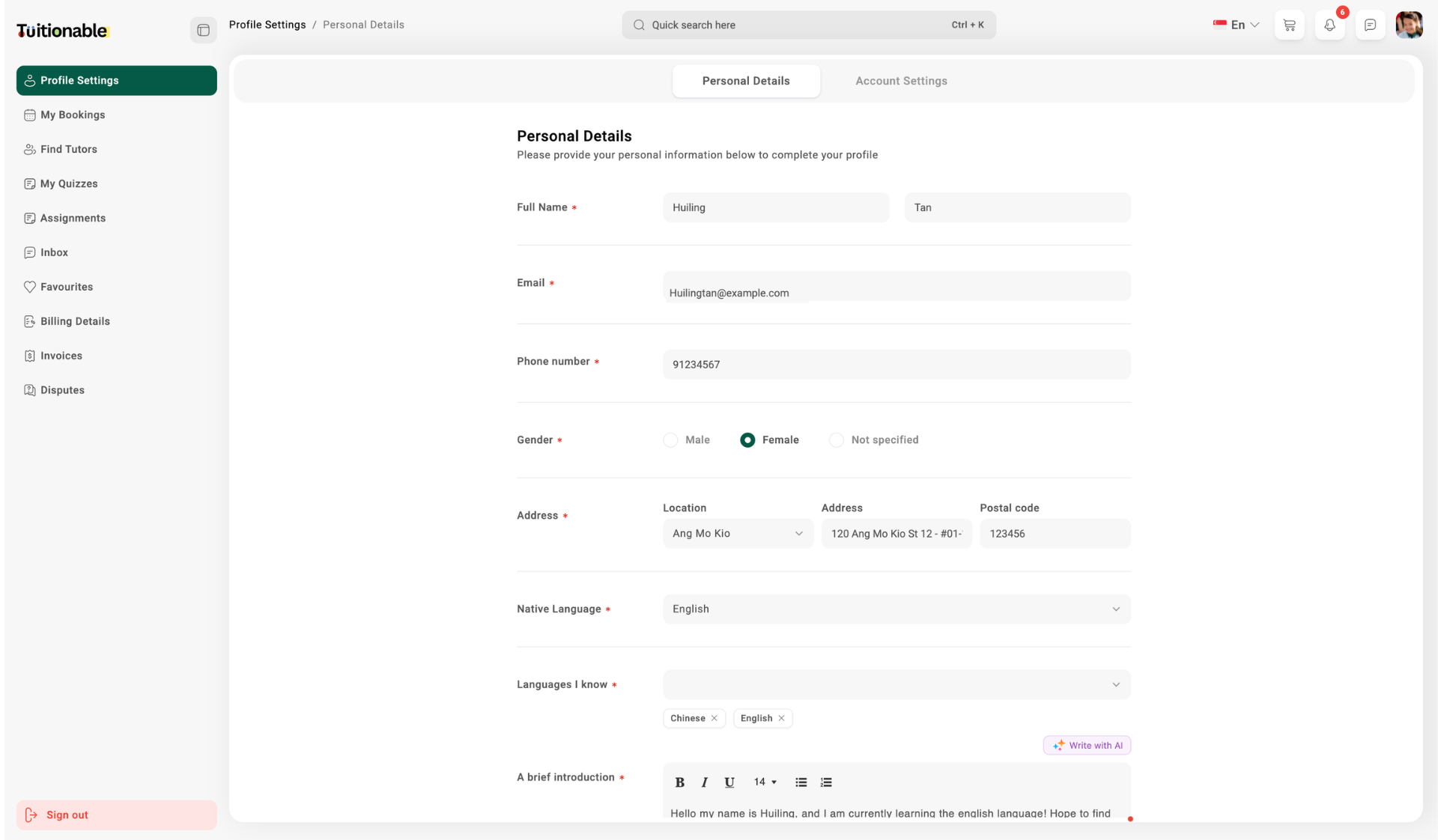
The **Student Dashboard** on Tuitionable platform provides students with seamless navigation to manage their activities and access essential features. This dashboard allows students to take control of their educational journey with a well-organized interface.
## **Overview of Student Dashboard**
The dashboard is designed to help students efficiently manage the following sections:
* **Bookings:** View and manage upcoming, completed, or rescheduled sessions directly from the dashboard.
* **Profile Settings:** Update personal information, including name, email, phone number, and profile photo.
* **Billing Details:** Add or edit billing information such as company name, address, and contact details.
* **Favorites:** Save and manage a list of favorite tutors for quick access to bookings and communications.
* **Messages:** Access the messaging system to communicate directly with tutors.
* **Invoices:** View and download session payment details and transaction history.
 **Need help?** Speak to our [live chat](https://go.crisp.chat/chat/embed/?website_id=4d0db260-3c95-4794-9aad-48d6a5354a21) or join our telegram [community](https://mintlify.com/community).